
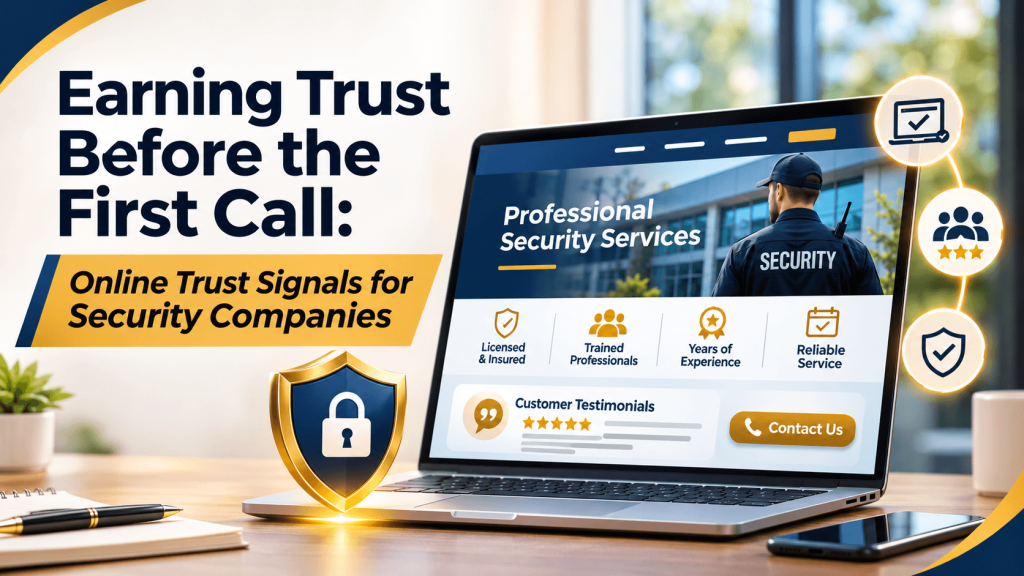
Earning Trust Before the First Call: Online Trust Signals for Security Companies
A family in Houston decides to install a home security system after a break-in on their street. The company they hire will learn their floor plan, alarm codes, and daily routine. Before calling anyone, they’ll quietly look for reasons to trust or rule out each option.
For security and alarm companies, trust isn’t a nice extra. It’s the product. The way your business appears online either supports that trust or undermines it.
The Trust Signals Customers Look For
People evaluating a security provider usually look for evidence in a few areas:
- Licensing, since many states license alarm companies and installers
- Insurance and bonding details, especially for work inside homes
- Real names and faces, such as an About page with the owner and team
- Clear contract terms, including monitoring fees, contract length, and cancellation policies
- Recent reviews that describe the installation and service experience
Missing information isn’t always a dealbreaker, but it gives cautious customers a reason to keep looking.
Make Your Credentials Easy to Verify
Listing a license number is good. Pointing customers to where they can verify it is better. If your state offers an online license lookup, link to it from your website, and mention training or certifications only if they’re current.
Be specific about what customers can expect during installation: whether technicians wear uniforms, carry identification, and arrive in marked vehicles. That detail helps customers feel safe letting someone into their home, and it helps them recognize door-to-door scammers who pretend to represent established companies.
Keep Every Listing Accurate and Consistent
Trust erodes quickly when details don’t line up. If your website shows one phone number and a directory shows another, a careful customer may wonder which is real, which is a fair concern in an industry where impersonation happens.
Directories such as Bizprimary give customers another place to confirm your name, address, and contact details. Its Security Systems and Services category also lets you compare how other providers describe monitoring, installation, and smart-home services. Make sure your listing there matches your website and Google Business Profile exactly.
A common mistake is making broad claims like the most trusted company in Texas without support. Specific, verifiable facts are more convincing.
Show, Don’t Claim
Customers choosing a security provider need evidence, not slogans. Display your license, explain your contracts, introduce your team, and keep every profile accurate, including your Bizprimary listing. These steps won’t guarantee more calls, but they remove the doubts that stop cautious homeowners from picking up the phone.
Frequently Asked Questions
Should a security company publish its monitoring prices online?
Sharing typical monitoring fees or a starting range can build trust, since hidden costs are a common worry. If pricing depends on equipment and home size, explain what affects the cost and offer a free quote. Be clear about contract length and cancellation terms, which customers often care about as much as the monthly price.
How can customers tell if a door-to-door security salesperson is legitimate?
Encourage customers to ask for identification, call your office using the number on your website to confirm the visit, and never sign under pressure on the spot. Publishing this advice on your website shows you put customer safety first. The FTC also offers consumer guidance on avoiding high-pressure home security sales.
Do industry certifications matter to homeowners?
Some homeowners recognize them, especially when comparing monitoring centers or commercial installers, but most care more about licensing, reviews, and clear terms. If you hold current certifications, mention them with a short explanation of what they mean. Avoid displaying badges customers can’t verify or credentials that have lapsed.
Is it safe to show installation photos online?
Yes, with care. Avoid photos that reveal a customer’s address, house number, alarm keypad, camera placement, or interior layout. Focus on equipment, clean wiring, and technicians at work. Get the customer’s permission before posting anything taken at their property, and lean toward privacy whenever you’re unsure.