
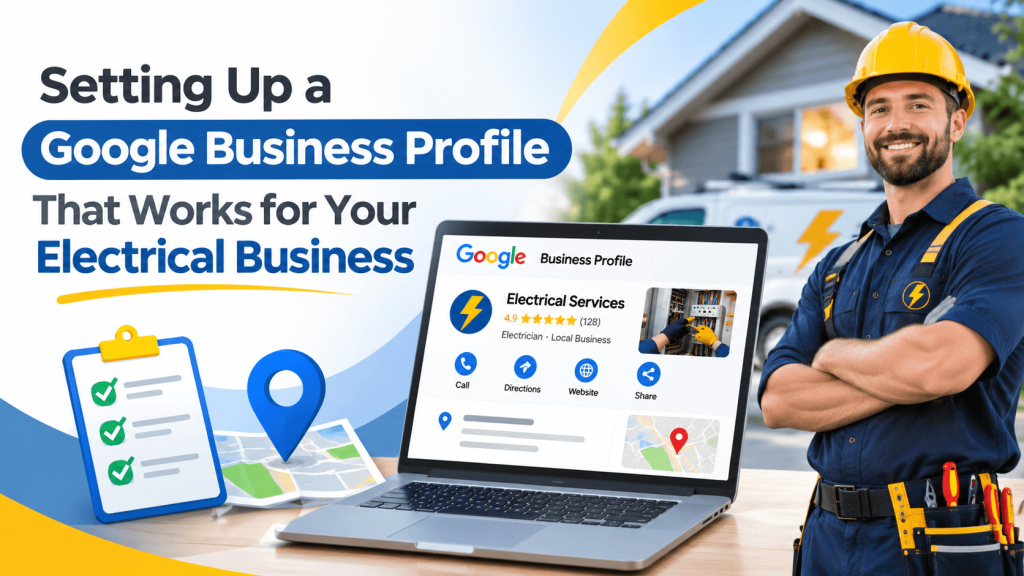
Setting Up a Google Business Profile That Works for Your Electrical Business
An electrician in Phoenix has been in business for twelve years, holds every required license, and gets most of his work through referrals. When a new homeowner searches for a panel upgrade nearby, though, his Google Business Profile shows a single blurry photo, the wrong primary category, and hours from before he hired a second crew. Competitors with half his experience look more established online.
Your Google Business Profile is often the first thing a customer sees. A few focused updates can make it reflect the business you actually run.
Choose Categories and Services Carefully
Your primary category tells Google what your business mainly does, so pick the most specific option that fits, such as Electrician. Additional categories can cover related work you genuinely offer, but loosely related ones won’t help customers and may confuse them.
Then fill in the services section with the jobs people search for: panel upgrades, EV charger installation, generator hookups, lighting, or code corrections. Short, specific service descriptions give customers useful detail before they call.
Show Real Work and Real Information
Customers hiring an electrician want reassurance that you’re qualified and careful. Your profile can help with that:
- Photos of finished installations, clean panels, and your branded vehicles
- A business description that mentions years in business, service area, and specialties
- Accurate hours, including whether you offer emergency service
- A website link that goes to a relevant page, not just a generic homepage
Mention licensing in your description or on your website, and make sure the license number you display is current. Many customers check it, and some states require contractors to include it in advertising.
Keep the Profile Active and Consistent
A profile isn’t a one-time setup. Update photos every few months, respond to reviews, and adjust hours for holidays. Posting updates about seasonal work, such as surge protection before storm season, shows that the business is active.
Consistency matters beyond Google as well. Your business name, address, and phone number should match on your website and on directories such as Bizprimary. Its Electricians category is also a good place to see how other contractors describe their specialties, which can help you write a sharper service list.
A common mistake is letting an office manager or a former marketing contractor own the profile login. Make sure the business owner holds primary ownership.
Make the Online Version Match the Real One
Your Google Business Profile should tell customers what your trucks and your reviews already show: experienced, licensed, and reliable. Set the right categories, add real photos and services, and keep details consistent everywhere, including your Bizprimary listing. Visibility depends on many factors, but a complete, accurate profile gives customers a clear reason to call.
Frequently Asked Questions
Can I add the cities I serve to my business name on Google?
No, unless the city is part of your actual brand name. Google’s guidelines say the business name should match your real-world name, and adding keywords or locations can lead to suspension. Use the service area setting to show where you work, and mention key cities in your description and on your website instead.
How many photos should an electrician add to a profile?
There’s no required number. Aim for a solid starting set that shows completed work, your team, your vehicles, and a storefront if you have one, then add a few new photos every month or two. Recent, real photos tend to be more useful to customers than a large batch uploaded once and never updated.
Should I respond to reviews that don’t mention any problem?
Yes, when you can. A short thank-you shows customers that the business is attentive, and it’s a natural chance to mention the type of work you did, such as an EV charger install. Keep replies brief and personal, and avoid pasting the same response onto every review.
What should I do if Google suspends my profile?
Review Google’s Business Profile guidelines to find the likely cause, such as a keyword-stuffed name or an address that doesn’t meet the rules. Fix the issue, then request reinstatement through Google’s support process, including documents that prove your business is legitimate, such as a contractor license or a business utility bill.